
Plex IPTV: The Ultimate Guide to Live TV Integration
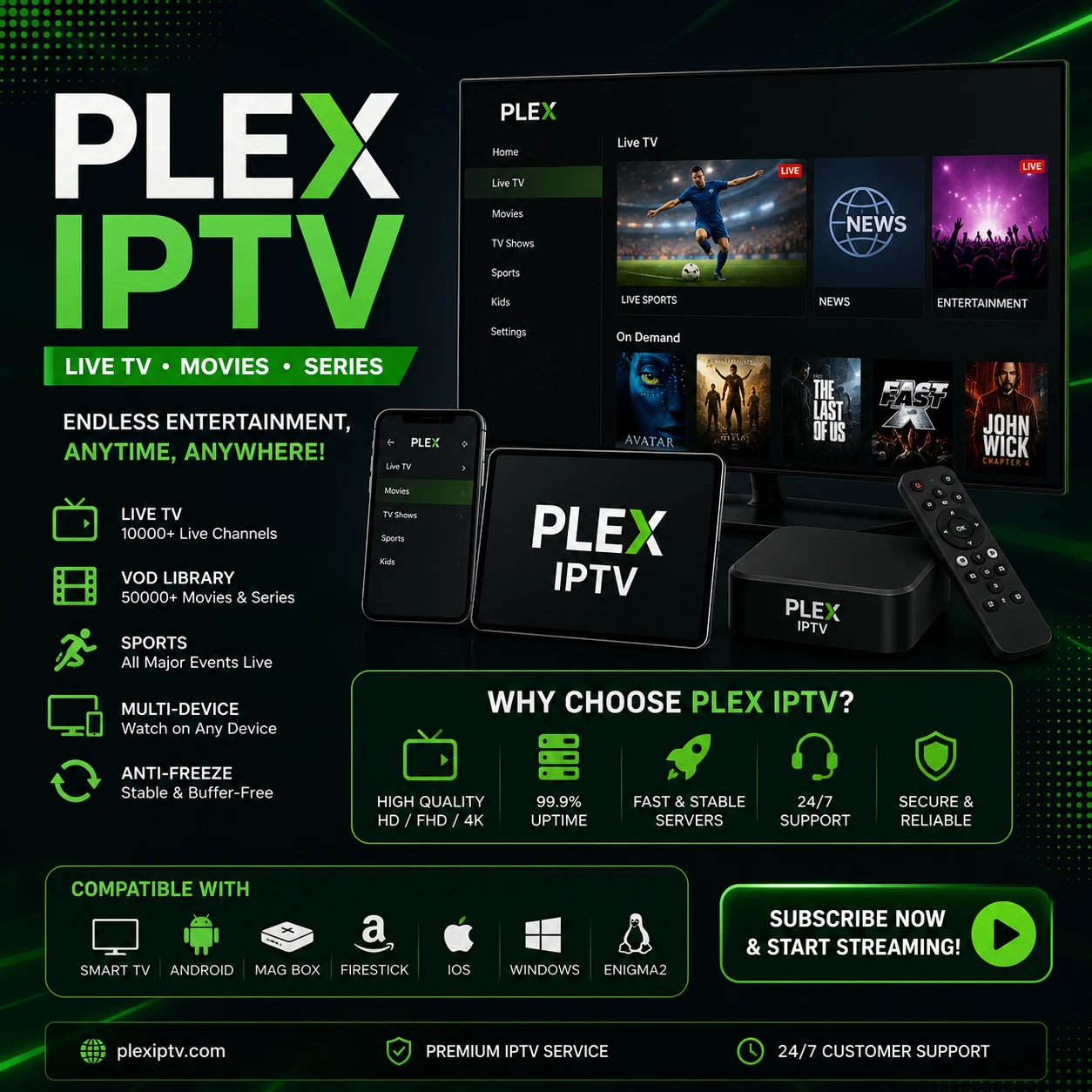
What is a Plex IPTV setup? It is the process of integrating your live television playlist directly into your Plex Media Server. By routing an IPTV feed through Plex, you centralize all your entertainment—movies, television shows, and live global broadcasts—into one beautifully organized, unified interface. A robust Plex IPTV configuration allows you to watch live channels, record upcoming programs using the Plex DVR feature, and utilize advanced hardware transcoding for smooth playback across all your devices. Discover how to bridge your high-speed streaming provider with the powerful ecosystem of Plex for the ultimate home media experience.
PRICING PLANS
Plex IPTV
- Platinum
Platinum
Trial
24 Hours
Platinum
1 Month
1 Device
Platinum
3 Month
1 Device
Platinum
6 Month
1 Device
100% money-back guarantee for your first 24 Hours. Learn More →
Why Build a Plex IPTV Setup?
Modern streaming users often juggle multiple applications to access local media, on-demand services, and live television. A dedicated Plex IPTV configuration solves this fragmentation. By linking your live streaming provider to your Plex Media Server, you consolidate your media landscape. This integration provides unparalleled organizational control and unlocks premium features that standard player applications simply cannot match.
- Unified Media Interface: Access your personal movie library and live television channels from the exact same application.
- Advanced DVR Functionality: Schedule recordings for live sports, news, and shows directly to your local hard drive.
- Hardware Transcoding: Plex automatically adjusts the video quality of your live streams to match your device's capabilities, eliminating buffering on slower network connections.
- Remote Access: Stream your configured live television channels securely outside your home via the Plex ecosystem.
How the Plex IPTV Integration Works
To successfully integrate live television into Plex, you must understand the underlying mechanics. Because Plex Media Server natively supports digital over-the-air tuners (like HDHomeRun) rather than direct M3U playlists, you need a bridging software. This is where the power of third-party proxies comes into play.
1. The Tuner Proxy (xTeVe / Threadfin)
You cannot paste an M3U link directly into Plex. Instead, you deploy proxy software like xTeVe or Threadfin. This software ingests your provider's M3U playlist and emulates a digital tuner on your network. Plex detects this simulated tuner, allowing you to map your live channels.
2. EPG (XMLTV) Integration
A live TV experience requires an accurate Electronic Program Guide (EPG). You input your provider's XMLTV link into your proxy software. The proxy aligns the channel data and feeds a rich, interactive TV guide directly into the Plex Live TV interface.
3. Channel Mapping and Filtering
Standard playlists contain tens of thousands of channels. Plex performs best when you filter this list. Using your proxy, you select only the specific channels, regions, and VOD categories you actively watch, keeping your Plex server fast and responsive.
Device Compatibility for Plex Live TV
Once your Plex IPTV server is operational, you gain total device freedom. The Plex application acts as a universal receiver, delivering your live streams perfectly across a vast ecosystem of hardware without requiring individual M3U setups on every screen.
You can instantly view your live guide and DVR recordings on Smart TVs (Samsung, LG, Android TV), dedicated streaming hardware (Apple TV, Roku, Amazon Firestick), gaming consoles (PlayStation, Xbox), and all iOS or Android mobile devices.
Frequently Asked Questions (FAQ)
Do I need a Plex Pass to use Plex IPTV?
Yes. Plex requires an active Plex Pass subscription (either monthly, yearly, or lifetime) to unlock the Live TV & DVR functionalities necessary to stream live channels through the server.
Can I add an M3U playlist directly to Plex?
No. Plex natively supports hardware tuners, not raw M3U files. You must run a proxy emulator like xTeVe or Threadfin alongside your Plex server to convert the M3U playlist into a format Plex recognizes.
Does Plex support Video on Demand (VOD)?
While Plex is excellent for live TV, its native Live TV interface is not designed to browse massive external VOD libraries smoothly. Most users map their live channels via xTeVe, and handle their personal VOD content natively through standard Plex libraries.
Optimize Your Streaming Experience Today
Building a custom Plex IPTV environment empowers you to take absolute control over your digital entertainment. By utilizing powerful proxy software and the robust capabilities of Plex Media Server, you create a seamless, buffer-free, and highly organized hub for all your premium live television and media needs.