
IPTV URL Explained: Your Complete Guide to M3U Playlists and Server Links
Quick Answer: An IPTV URL is a digital web link, typically formatted as an M3U playlist, that connects your streaming device directly to a live television server. When you input this specific URL into a compatible media player like TiviMate, VLC, or IPTV Smarters, the software reads the text file and downloads your complete channel list. To guarantee a high-definition, buffer-free viewing experience, experts strongly recommend utilizing a premium IPTV URL provided by a private server rather than relying on overloaded, free public links.
PRICING PLANS
IPTV URL
- Platinum
Platinum
Trial
24 Hours
Platinum
1 Month
1 Device
Platinum
3 Month
1 Device
Platinum
6 Month
1 Device
100% money-back guarantee for your first 24 Hours. Learn More →
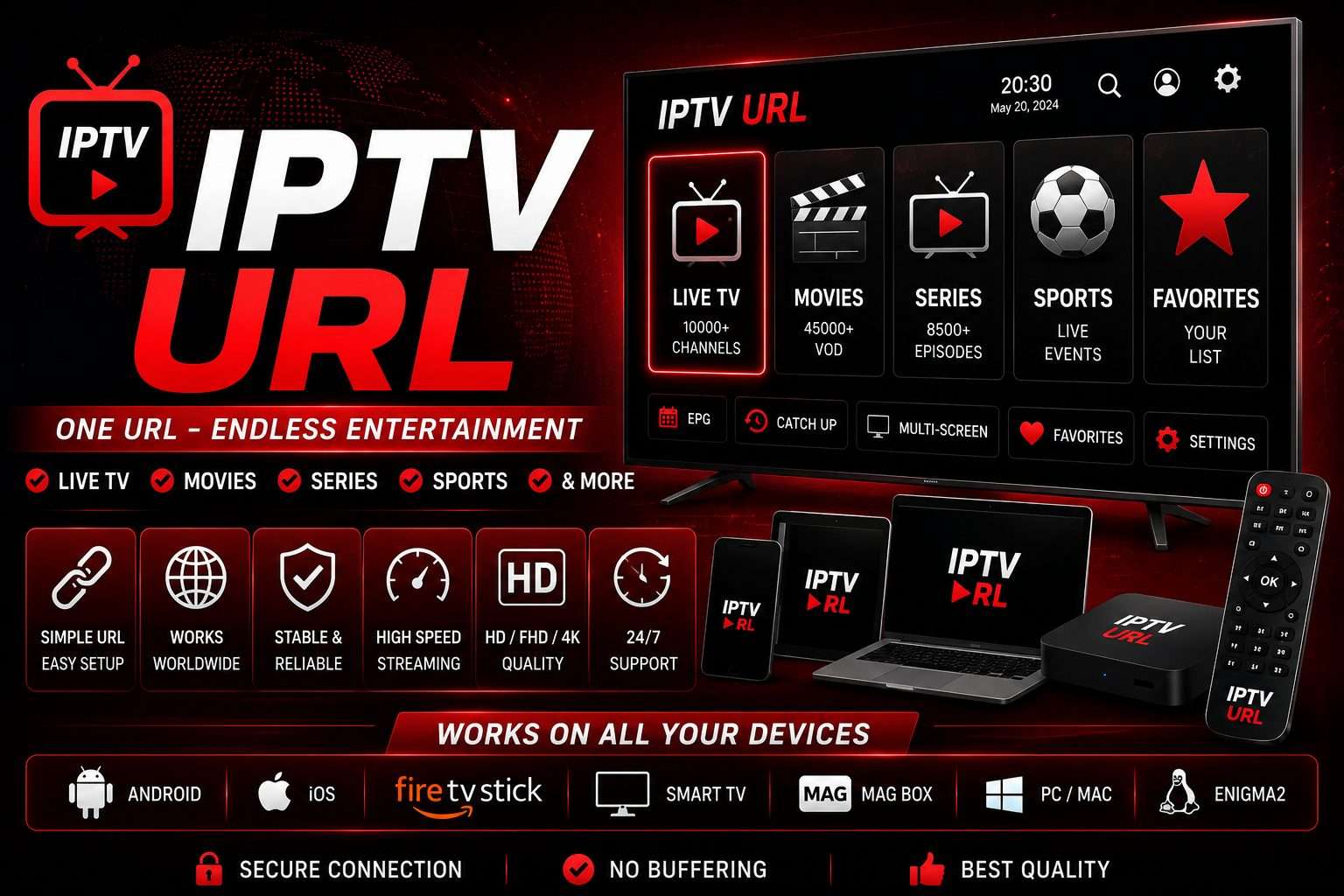
Understanding the Different Types of Server Links
When you subscribe to a streaming service, the provider delivers your content via specific digital pathways. Knowing which IPTV URL format your application requires saves you from setup errors and connection failures.
The M3U Playlist URL
This is the industry standard format. An M3U URL acts as a massive text directory, instructing your media player exactly where to find thousands of live channel streams and Video on Demand (VOD) files on the provider's server.
Xtream Codes API
Instead of a single long link, the Xtream Codes method breaks the connection down into three short pieces: a base Server URL, a Username, and a Password. This method provides faster loading times and better synchronization.
The EPG (XMLTV) URL
The Electronic Program Guide (EPG) URL runs alongside your main channel link. It downloads the live television schedule, transforming your blank screen into a fully functional, color-coded TV guide.
How to Setup Your Streaming Link
Loading your channels requires a straightforward configuration process. Follow these exact steps to connect your device to the server network.
- Download a Compatible Player: Install a robust media player like IPTV Smarters Pro, TiviMate, or Kodi on your Smart TV, Android box, or Firestick.
- Select the Input Method: Open the application and choose "Load Your Playlist or File/URL" (for M3U) or "Login with Xtream Codes API."
- Input the Data Accurately: Paste your unique link exactly as provided. A single missing character or accidental space will result in an "Authorization Failed" error.
- Load the Guide (EPG): If your app requests an EPG source, paste your XMLTV link into the designated field.
- Refresh and Stream: Click "Add User" or "Connect." The application will download your channels, categories, and movies.
The Dangers of Free Public Links
Many users search the internet for free IPTV URL links, hoping to bypass subscription fees. This strategy introduces significant problems into your home entertainment setup. Free public URLs host tens of thousands of simultaneous users on weak, unmanaged servers. This massive congestion causes constant buffering, video freezing, and sudden stream drops. Furthermore, network administrators rapidly delete free links, forcing you to hunt for new URLs daily. To protect your digital privacy and ensure 4K stability, you must secure a private, premium connection.
Frequently Asked Questions (FAQ)
Why is my IPTV URL not working?
If your link fails to load, first check for typing errors. Links are case-sensitive. If the text is correct, your internet service provider (ISP) might be blocking the server connection. Activating a secure VPN immediately resolves ISP routing blocks.
Can I convert an M3U URL into an Xtream Codes login?
Yes. If you inspect an M3U URL, you will see the base server address, followed by your username and password parameters in the text string. You can extract these three elements and input them directly into apps that require Xtream Codes.
Is it safe to type my URL into an online web player?
Experts advise against pasting your private subscription link into random, unverified web players. Malicious websites can steal your username and password, hijack your account, and lock you out of your paid subscription. Always use trusted, native applications.
Secure Your Premium Connection Today
Stop wasting hours searching for broken links that ruin your viewing experience. Upgrade your digital media ecosystem by securing a dedicated, high-speed IPTV URL from a premium provider. Enjoy buffer-free sports, flawlessly organized channel categories, and an automated TV guide that simply works every time you turn on your television.